
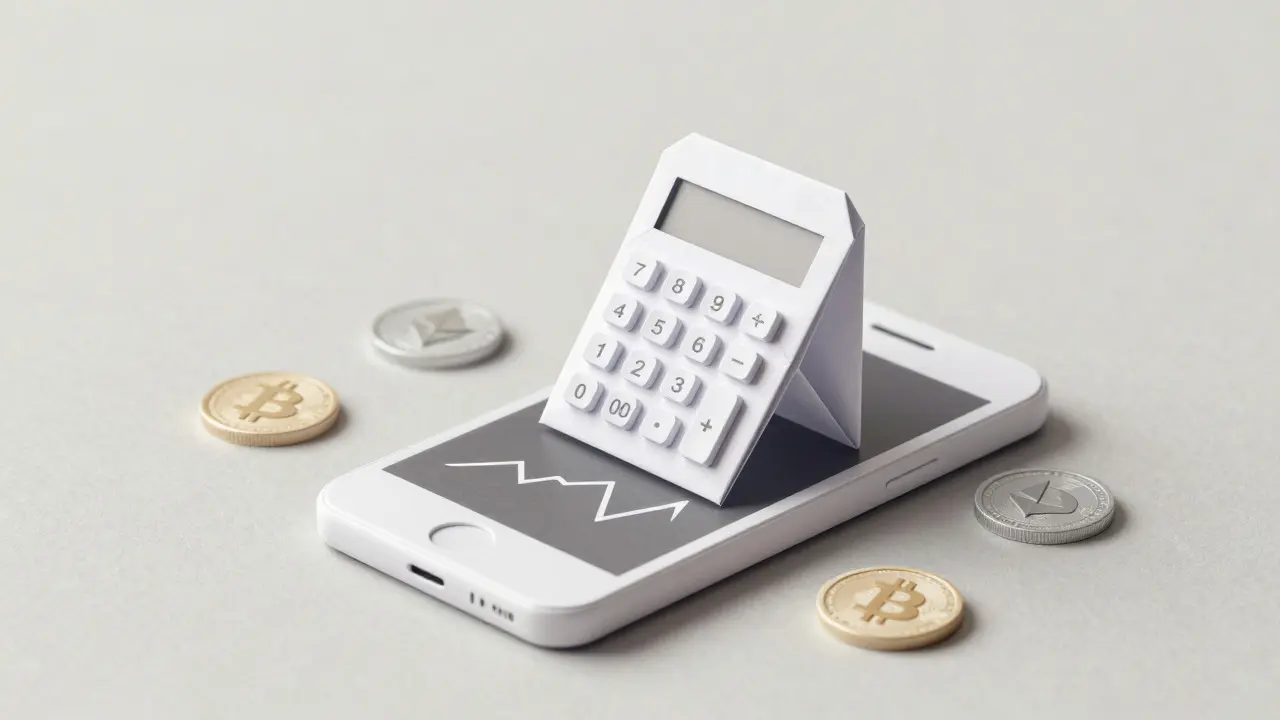
Have you ever downloaded an app expecting to trade Bitcoin, only to realize it’s just a fancy calculator? That is the exact trap many new investors fall into when searching for iExchange. The name sounds like a full-blown trading platform, but the reality is quite different. If you are looking to buy, sell, or swap cryptocurrencies directly from your phone, you might be disappointed by what iExchange actually offers. This review cuts through the confusion to tell you exactly what this tool does, who it is for, and whether it deserves a spot on your home screen.
The Core Misconception: It Is Not a Trading Exchange
Let’s clear up the biggest point of confusion right away. Despite its name, iExchange is not a centralized cryptocurrency exchange where you can execute trades with other users. Instead, it is formally known as iExchange: Crypto Calculator. Think of it less as a brokerage and more as a sophisticated financial dashboard for your iPhone or iPad. It doesn’t hold your funds, it doesn’t have an order book, and you cannot place limit orders here. Its primary job is to help you calculate values, track market capitalization, and convert currencies. If you were hoping to swap Ethereum for USDT without leaving the app, you need to look elsewhere.
What Does iExchange Actually Do?
So, if you can’t trade, why bother downloading it? The app serves as a personal analytics tool. It pulls real-time data from various sources to give you a snapshot of the market. You can use it to see how much your portfolio would be worth in different fiat currencies, which is incredibly useful if you travel or deal with international transactions. It transforms raw market data into easy-to-read metrics. For example, instead of just seeing a price, you might see trends in capitalization or historical performance graphs that help you make informed decisions before you actually go to a trading platform like Coinbase or Binance to execute the deal.
Key Features and Functionality Breakdown
The feature set is limited compared to professional trading terminals, but it covers the basics well. Here is what you get inside the interface:
- Currency Conversion: Instantly convert between hundreds of cryptocurrencies and fiat currencies.
- Market Tracking: Monitor live prices and market capitalization for major assets like Bitcoin and Ethereum.
- Trend Analysis: Visual charts that show price movements over specific timeframes.
- Portfolio Calculation: Input your holdings to see their current value across different markets.
Notice what is missing? There are no deposit addresses, no withdrawal fees, and no KYC (Know Your Customer) verification processes because there are no funds moving through the app. This makes it incredibly fast to set up-you don’t need to upload your passport or wait for approval. You just download, open, and start calculating.

Security and Privacy Implications
Because iExchange is a calculator, its security profile is vastly different from actual exchanges. When you use a centralized exchange, you trust them with your private keys or at least your deposited funds. With iExchange, you aren’t storing money, so the risk of losing funds due to a hack is near zero. However, this also means you have no insurance coverage for assets held within the app, simply because no assets are held there. The privacy aspect is also superior; since you aren’t buying crypto, you likely won’t need to submit sensitive personal identification documents unless the app requires an account for cloud syncing features. Always check the latest privacy policy, but generally, calculation apps require far less personal data than trading platforms.
Who Should Use iExchange?
This tool isn’t for everyone. It shines for specific types of users. If you are a beginner trying to understand what a fraction of a Bitcoin costs in New Zealand Dollars, this app helps visualize that. It is also great for travelers who want to know the local equivalent of their crypto holdings without opening a heavy trading app. Conversely, if you are an active trader who needs stop-loss orders, margin trading, or API access for bots, iExchange will feel too basic. It lacks the depth required for serious technical analysis, offering only basic trend lines rather than advanced indicators like MACD or Bollinger Bands.

Comparison with Full-Featured Exchanges
To put things in perspective, let’s compare iExchange with a standard centralized exchange (CEX). A CEX allows you to buy, sell, and store crypto. iExchange only lets you view and calculate. Here is a quick breakdown of the differences:
| Feature | iExchange (Calculator) | Standard CEX (e.g., Kraken/Coinbase) |
|---|---|---|
| Primary Function | Calculation & Monitoring | Trading & Custody |
| Fund Storage | No (External wallet required) | Yes (Hot/Cold wallets) |
| KYC Required | Rarely/None | Always |
| Trading Fees | N/A | Maker/Taker Fees apply |
| Advanced Orders | No | Limit, Market, Stop-Loss |
User Experience and Interface Design
The interface is clean and minimalist, typical of Apple’s design guidelines. Since it doesn’t need to display complex order books or depth charts, the screens load quickly. Navigation is straightforward: swipe between different currencies or tap on a coin to see details. However, some users report that the data refresh rate can lag during periods of extreme volatility. While it’s fine for checking the price once an hour, day traders might find the delay frustrating. The app is rated 18+ on the App Store, which is standard for financial apps, though it doesn’t necessarily imply complex content-just regulatory compliance.
The Verdict: Is It Worth Downloading?
If you are looking for a lightweight tool to keep an eye on your portfolio’s value without the clutter of trading buttons and ads, iExchange is decent. It does one thing-calculating-and does it reasonably well. But do not mistake it for a gateway to the crypto economy. You still need a separate exchange account to actually buy or sell. For most people, free alternatives from major exchanges or simple web-based converters offer similar functionality without needing a dedicated app. Save iExchange for those who specifically prefer a standalone, ad-free calculator experience on iOS.
Can I buy Bitcoin directly in the iExchange app?
No, you cannot buy or sell Bitcoin directly within the iExchange app. It is strictly a calculator and market monitoring tool. You must use a separate cryptocurrency exchange or broker to execute trades.
Is iExchange safe for storing my crypto?
Since iExchange does not store your cryptocurrency, there is no risk of losing funds to an app hack. However, this also means it offers no storage services. You should keep your actual coins in a secure hardware wallet or a reputable exchange.
Does iExchange require KYC verification?
Generally, no. Because you are not moving funds through the platform, most calculation apps do not require Know Your Customer (KYC) identity checks. Check the specific version’s terms, but typically, personal ID uploads are not needed.
Is iExchange available on Android?
The primary "iExchange: Crypto Calculator" application is designed for iOS devices. Android users looking for similar functionality may need to search for alternative calculator apps, as the specific branding and developer support are focused on the Apple ecosystem.
How accurate is the pricing data in iExchange?
The accuracy depends on the data feeds the app uses. While generally reliable for general reference, prices may vary slightly from what you see on major exchanges like Binance or Coinbase due to arbitrage opportunities and slight delays in data aggregation.