
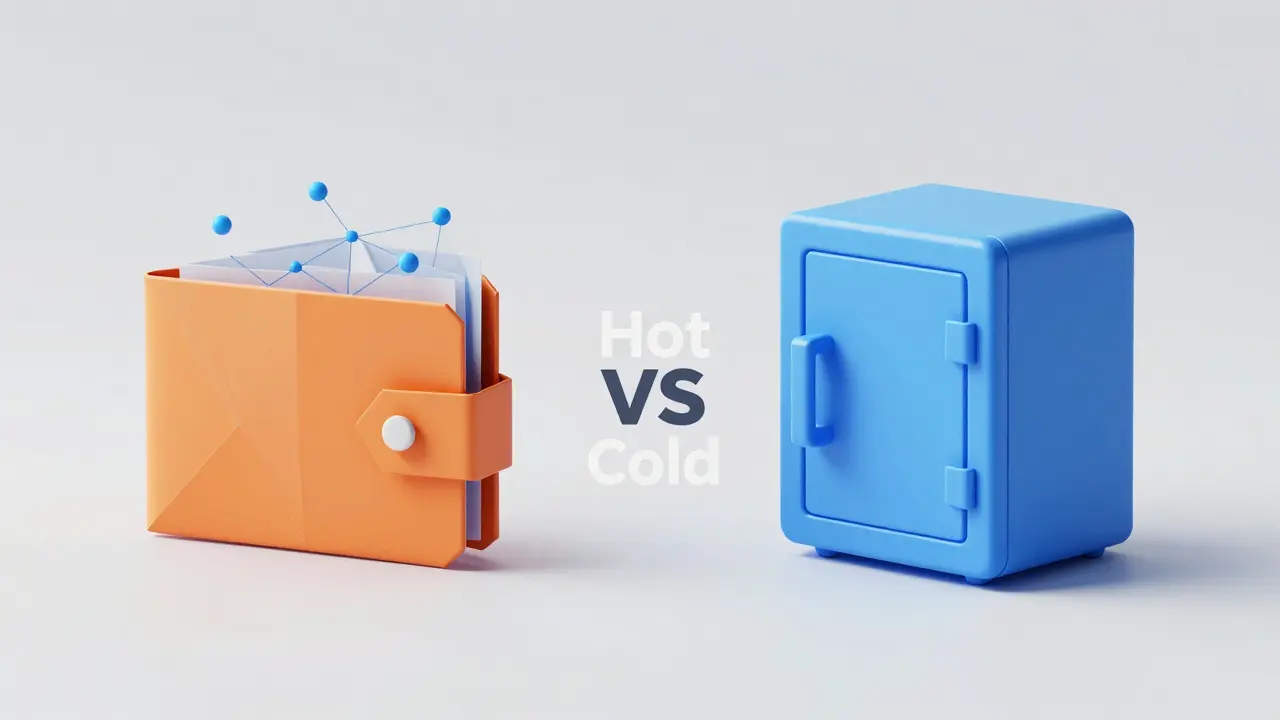
Most people treat their first crypto purchase like a digital lottery ticket, but they forget the most important part: where to keep it. Leaving your assets on an exchange is like leaving your life savings in a hotel lobby-it's convenient until the hotel disappears. Choosing a best cryptocurrency wallet isn't about finding the "perfect" app; it's about balancing how much you're willing to risk against how often you actually want to move your money.
Quick Takeaways
- Maximum Security: Go with hardware wallets (Cold Storage) like Ledger or Trezor for long-term holds.
- Daily Use: Use mobile or browser wallets (Hot Storage) for frequent trading and DeFi.
- Beginners: Look for "seedless" options like Zengo or intuitive apps like Coinbase Wallet.
- Ecosystem Specific: Use Phantom for Solana or Sparrow for Bitcoin-only strategies.
Understanding the Hot vs. Cold Divide
Before you download an app or buy a device, you need to understand the fundamental split in how crypto is stored. In the industry, we talk about "hot" and "cold" storage. A Hot Wallet is a digital tool connected to the internet, making it fast for transactions but vulnerable to online hacks. Think of this as your physical wallet-you keep enough cash for the day, but not your entire inheritance.
On the flip side, a Cold Wallet is a physical device that keeps your private keys completely offline, protecting them from remote attacks. If a hacker is in your house digitally, they can't touch a cold wallet because it isn't "plugged in" to the internet. This is your digital vault.
High-Security Vaults: Hardware Wallets
If you have more money in crypto than you'd be comfortable losing in a single afternoon, you need a hardware wallet. These devices are the gold standard for long-term storage because they require a physical button press to authorize any transaction.
Ledger Nano X is currently one of the most popular choices. It uses a Secure Element chip certified at CC EAL5+ to lock down your keys. It's versatile, supporting over 5,500 tokens and offering Bluetooth connectivity for mobile use. It costs around $149, but some hardcore security fans worry that Bluetooth creates a potential (though tiny) attack vector.
If you prefer total transparency, look at the Trezor Model T. Unlike some competitors, Trezor uses fully open-source firmware, meaning anyone can audit the code to ensure there are no backdoors. It's a bit pricier at roughly $219, but it features a touchscreen to stop "keyloggers" from stealing your PIN and offers Shamir Backup, which lets you split your recovery seed among multiple people so one lost piece of paper doesn't ruin you.
| Feature | Ledger Nano X | Trezor Model T |
|---|---|---|
| Approx. Price | $149 | $219 |
| Code Base | Proprietary / Closed | Open-Source |
| Connectivity | Bluetooth & USB | USB (Air-gapped) |
| Key Security | CC EAL5+ Chip | Touchscreen/Open Firmware |
Convenience and Speed: Software Wallets
Not everyone wants to plug in a USB device just to buy an NFT or swap a token. For those who live in the world of Web3-the decentralized version of the internet-software wallets are the way to go.
MetaMask is the undisputed king of the Web3 space. It's essentially a browser extension that acts as your passport to decentralized finance (DeFi) apps. While it's incredibly powerful for interacting with smart contracts, it is a hot wallet. Pro tip: you can actually connect MetaMask to a Ledger or Trezor, giving you the user interface of a software wallet with the security of a hardware one.
For a more all-in-one experience, Exodus provides a gorgeous interface that works across Windows, Mac, and Linux. It's great for managing a diverse portfolio across 50+ different blockchains without needing a PhD in computer science. However, keep in mind that you have less control over transaction fees compared to more technical wallets.
If you're strictly on your phone, Trust Wallet is a powerhouse. It supports over 100 blockchains and millions of tokens, and it includes a built-in browser for accessing dApps. It's free and fast, making it a great choice for those who treat crypto as a mobile-first experience.
Best Options for Beginners
The scariest part of crypto is the Seed Phrase-that list of 12 to 24 random words that acts as the master key to your money. If you lose them, your money is gone forever. If someone steals them, your money is gone instantly. For people who can't wrap their heads around this, there are "seedless" options.
Zengo is a lifesaver for beginners because it completely eliminates the seed phrase. It uses a unique backup method based on biometric data and social recovery. It's intuitive and safe, though you'll pay higher fees for in-app swaps.
Alternatively, Coinbase Wallet is designed for those already using the Coinbase exchange. It's incredibly streamlined, uses a username system to make sending money easier (so you don't have to copy-paste a 42-character string of gibberish), and offers plenty of educational tools to help you learn as you go.
Specialized Wallets for Specific Needs
Sometimes a general-purpose wallet is like using a Swiss Army knife when you actually need a professional chef's knife. If you only care about one specific ecosystem, go specialized.
For those deep in the Solana ecosystem, Phantom Wallet is the go-to. It's optimized for the speed of Solana, has a high security rating from CertiK, and makes managing NFTs a breeze. It's far superior to a general wallet if you're spending your time on Solana-based apps.
For the Bitcoin maximalists, a few specialized tools stand out. Sparrow Wallet is an expert-level tool that gives you total control over your trading fees. If you want faster, cheaper payments, Phoenix Wallet integrates the Lightning Network, allowing you to send Bitcoin almost instantly for pennies.
Making the Final Decision: Your Selection Checklist
Still not sure? Ask yourself these four questions to narrow it down:
- How much am I holding? If it's more than $1,000, get a hardware wallet (Ledger or Trezor). If it's just a few bucks for testing, a mobile wallet (Trust Wallet) is fine.
- How often will I move it? Long-term "HODLers" should stay cold. Active traders or NFT collectors need the speed of MetaMask or Phantom.
- How technical am I? If seed phrases terrify you, start with Zengo. If you want to audit your own security, go with Trezor.
- Which coins do I own? If you only have Bitcoin, Sparrow or Electrum are your best bets. If you have 20 different altcoins, Exodus or Trust Wallet will save you from downloading 20 different apps.
What happens if I lose my wallet device?
Your money isn't actually inside the device; it's on the blockchain. The device just holds the keys to access it. As long as you have your recovery seed phrase (those 12-24 words), you can buy a new device, enter the phrase, and all your funds will reappear instantly.
Are free software wallets actually safe?
They are generally safe as long as you are the only one with the seed phrase. The risk isn't the app itself, but the device it's on. If your phone has malware or you accidentally click a phishing link, a hot wallet is much easier to drain than a hardware wallet.
Can one wallet hold different types of cryptocurrencies?
Yes, multi-chain wallets like Exodus and Trust Wallet allow you to manage Bitcoin, Ethereum, Solana, and thousands of others in one place. However, some specialized wallets (like Sparrow) only support Bitcoin.
What is a seed phrase and why is it so important?
A seed phrase is a human-readable version of your private key. It is the ultimate master key. Anyone who has your seed phrase owns your funds. You should never store this digitally (no screenshots, no emails)-write it on paper and hide it in a secure location.
Is the Ledger Nano X better than the Trezor Model T?
It depends on your priority. Ledger is more convenient due to Bluetooth and a massive asset list. Trezor is better for privacy advocates because its code is open-source, meaning it has been vetted by the global community for hidden vulnerabilities.


Rob Mitchell
Hardware is a must. Don't risk it.
Tracie and Matthew Hartley
ppl act like ledger is so safe but they had a data breach a while back lol. why trust a company with ur keys when u can just use a basic soft wallet and hope for the best? its all a scam anyway
Samson Selleck
The systemic failure of most retail users to grasp the heuristic difference between asymmetric cryptography and custodial liability is staggering. Utilizing a software wallet for anything beyond transient liquidity is essentially an admission of intellectual bankruptcy. We are seeing a massive divergence in security posture where the hoi polloi cling to the convenience of a GUI while the elite optimize for air-gapped entropy. The volatility of the 2026 market requires a rigorous application of cold storage protocols to mitigate the risk of catastrophic key compromise. Most of you are simply gambling with a false sense of security provided by a slick interface. The latency of a hardware device is a negligible price for the mitigation of remote exploit vectors. If you cannot comprehend the necessity of a Secure Element chip, you do not deserve the alpha you're chasing. It's an absolute tragedy how the democratization of finance has led to such a diluted understanding of basic cybersecurity. You're not "trading," you're just hoping the hotel lobby doesn't burn down while you sleep. True wealth preservation requires an obsession with the physical layer of the stack. Anything less is just noise. The sheer arrogance of relying on a browser extension for six-figure portfolios is peak 21st-century delusion. Get a Trezor, audit the source, or get out of the way.
James Bone
Funny how everyone thinks a piece of plastic makes them a god of finance. You're all just rearranging deck chairs on the Titanic while pretending you've discovered a new way to store value.
Omotola Balogun
Actually, the seedless approach in Zengo is quite revolutinary because it uses Multi-Party Computation (MPC) to split the key. Most users don't realize that traditional seeds are single points of failure, even if stored on paper. The math behind MPC is significantly more robust for those who struggle with manual backups.
Lane Montgomery
How much you got in there?
Jonathan Chamma
It's really just about finding the tool that lets you sleep at night. If a hardware wallet feels like too much of a hurdle, take it slow with a trusted app and grow into the bigger security stuff as your portfolio expands. We're all learning together!
Aaliyah BROTHERS
THESE COMPANIES ARE ALL TRACKING US!!! The Bluetooth in the Nano X is a beacon for the surveillance state!!! They want your keys and your soul!!! Don't trust the "certified" chips, it's all a lie designed to keep us in chains!!! WAKE UP!!!
Alan Seiden
Typical American garbage guide. Only mentioning US-centric platforms and ignoring the superior European options. Absolute rubbish.
daniella davis
omg a guide for beginners... as if ppl dont know about metamask by now. like seriously, if u dont know this u shouldnt be in crypto anyway lol. so basic
Emily H
I would highly recommend that individuals prioritize the purchase of a hardware wallet as soon as their assets exceed a modest threshold. The peace of mind provided by offline storage is truly invaluable.
EDOZIEM MICHAEL
money is just a ghost in the machine and the wallet is the cage we build for it
Swati Sharma
Integrating a hardware wallet with a software interface like MetaMask is a great way to achieve a balance of security and liquidity. It's a wonderful hybrid approach for anyone engaging with the DeFi ecosystem.
Chidinma Sandra okafor
Oh, honey, imagining a Trezor makes you a "privacy advocate" is just precious. Your data is already floating in the ether and you're just playing house with a USB stick. How cute.
Agnessa Dale
This is such a helpful breakdown! It makes the whole process feel way less intimidating for people just starting out.
Mikayla Murphy
I think it's important to remember that the most secure wallet is useless if you lose your backup phrase. Please, everyone, double-check your recovery methods before moving large sums.
Tyler Webb
I had a scare with a phishing link last year and almost lost everything in my hot wallet. Definitely moving my long-term stash to a Ledger tomorrow. 😊
aletheia wittman
i lost my seed phrase once and literally cried for three days straight!! its the worst feelin ever!!! dont be like me pls!!!!
jennelle williams
just keep it simple. safe is better than fast
Scott Fenton
The distinction between hot and cold storage is the most critical concept for a novice to master. I appreciate the clarity with which this has been presented.
Akshay Gorad
I agree with the suggestions provided. Using a specialized wallet like Phantom for Solana is indeed a much more efficient experience.
Stanly Hayes
Listen, you're either using cold storage or you're just asking to be robbed! Get a Trezor and stop complaining about the price. It's a tiny fee for actual security!
Adam Auksel
Love seeing people get into this! 🚀 Just remember to never share your seed phrase with anyone, no matter what they promise! Stay safe out there! 💎
logan bates
As long as it's bought and held in a US-made system, I'm fine with it. Keep the money in the homeland.